
Setting a Logo
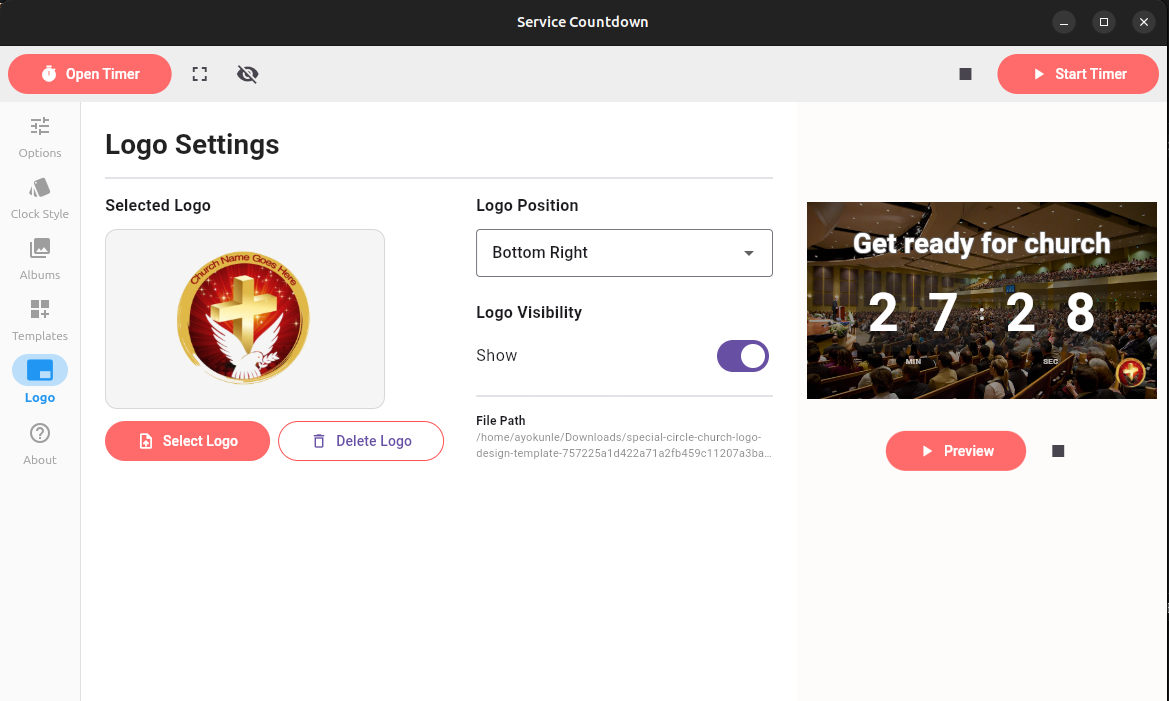
Service Countdown supports adding a logo to your countdown display. This allows you to incorporate your organizations branding.
The logo screen displays the following options:
- Select Logo: Upload a local image file to serve as the corner logo.
- Delete Logo: Removes the logo. This does not delete the file from the disk
- Logo Postion: Place the logo in any of the four corners (e.g., Bottom Right, Bottom Left, Top Right, Top Left).
- Logo Visibility: Toggle the logo on or off using the Show checkbox.