
Using Templates
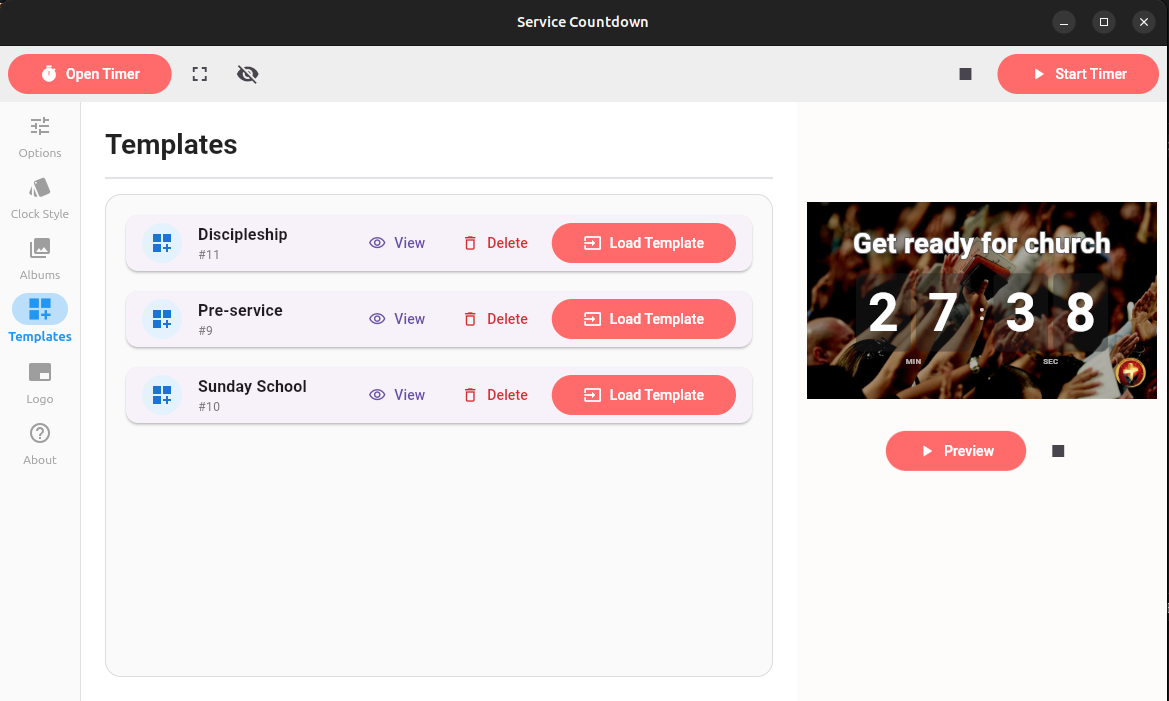
Templates are used to save and reuse frequently used configurations. This feature can save you the effort of having to frequently change the timer configurations for your different use cases.
Creating A template
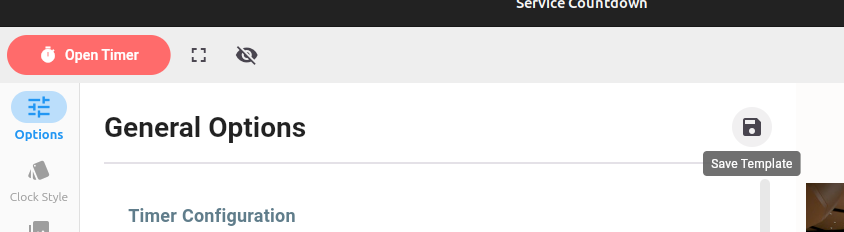
To create a new template, navigate to the 'General Options' screen by clicking on the 'Options' sidebar button. Next, enter all the configuration options you would like to save for that template. Once done, click on the 'Save Template' icon as shown below:
A popup will appear. Enter the template name and click 'Save'.
To apply a saved template, navigate to the 'Templates' screen and click on 'Load Template' for the template you will like to apply. Click 'View' in order to quickly see the settings of a template. Click 'Delete' to remove a template permanenetly.